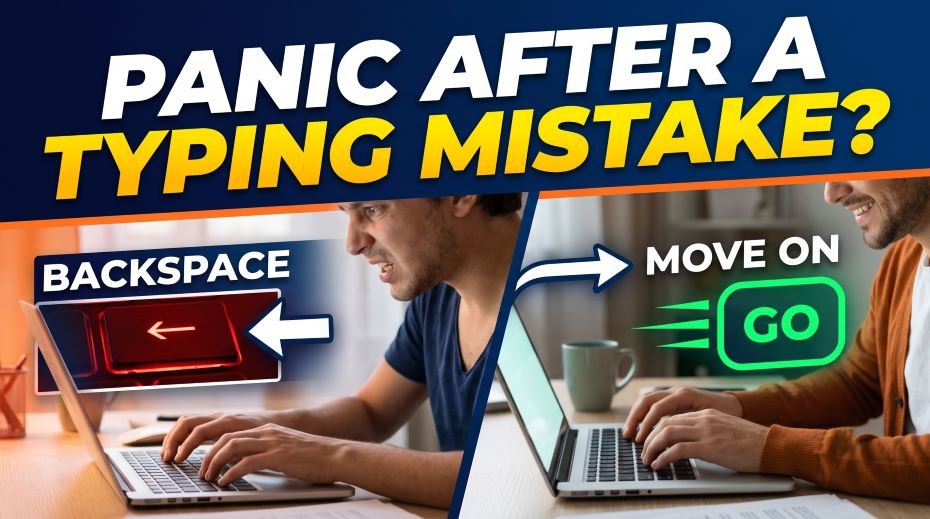
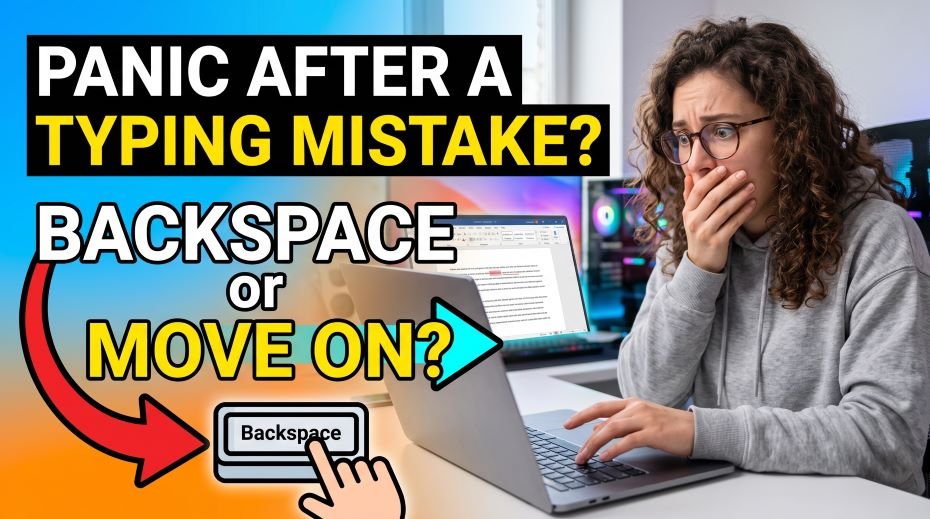
One typing mistake and your mind goes blank? Panic After a Typing Mistake? Backspace or Move on Learn whether to backspace or keep typing forward during a government exam, and how to stop one error from ruining the test so, One wrong letter. That’s often all it takes – suddenly your mind goes blank, your fingers freeze for half a second, and the rest of the passage feels like a blur. If this has happened to you, the good news is that it is one of the most fixable problems in exam-day typing, and the fix has very little to do with typing speed and everything to do with what you do in the three seconds right after the mistake. This guide answers the question directly: should you backspace or keep moving forward, and how do you stop one small error from spiraling into a dozen more?
Why One Mistake Feels So Much Bigger Than It Is
The panic after a single typo is rarely about the letter itself – it’s a mental spiral. Once your brain registers “I made an error,” attention shifts from the next word to the mistake you just made, and that split focus is what actually causes the next two or three errors, not any real drop in your typing skill. This pattern lines up with what psychologists call negativity bias – the tendency for one negative event to grab far more mental weight than several positive or neutral ones happening around it. In a timed typing test, that mental weight translates directly into lost seconds and compounding errors.
Backspace or Move Forward? The Real Answer
There is no single universal rule – the correct move depends entirely on what your specific exam allows, and the decision should be made before exam day, not in the middle of a panic.
| Situation | Best Approach |
| Backspace is allowed and the error is early in the word | Correct it quickly with a single backspace and continue – this is usually faster than leaving it |
| Backspace is allowed but you’re several words past the error | Let it go and continue; going back several words costs more time than the single error is worth |
| Backspace is restricted or disabled by the exam software | You have no choice but to move forward – accept the error and refocus completely on the next word |
| You’re unsure whether backspace is permitted | Default to moving forward during practice so you’re not dependent on a correction you may not have on exam day |
If your exam explicitly states backspace or scroll keys are restricted, attempting to use them anyway is a rule violation, not just a wasted correction – treat that instruction as final regardless of instinct.
When You Can Use Backspace: Doing It Without Losing Time
- Fix only the specific character that’s wrong, not the whole word – retyping an entire correct word to fix one letter wastes keystrokes.
- Use backspace immediately after noticing the error, not after finishing the sentence – the longer you wait, the more you have to retype.
- Set a personal rule during practice: only correct an error if it’s within the last one or two characters typed; anything further back, let it go.
- Practice this exact decision rule repeatedly in mock tests so it becomes automatic rather than something you have to consciously decide mid-exam.
When You Can’t Use Backspace: Recovering Without Fixing
- The instant you notice an error, say (mentally) “next” and shift your eyes to the following word – this interrupts the spiral before it starts.
- Do not slow down to stare at the mistake; your eyes should already be moving to what comes next while your fingers finish the current word.
- Accept, before the exam even starts, that a small number of errors within the allowed percentage is normal and expected – this reduces the emotional weight of an error when it happens.
- Practice specifically in no-backspace mode during mock tests so your brain builds real tolerance for uncorrected errors instead of encountering this feeling for the first time on exam day.
What One Mistake Actually Costs You
Most candidates wildly overestimate how much a single error affects their result, mainly because government typing tests are usually evaluated on a permissible error percentage, not a zero-tolerance basis.
| Category | Typical Permissible Error Allowance |
| UR / EWS (General) | Around 20% (varies by exam) |
| OBC | Around 25% |
| SC / ST | Around 30% |
In practical terms, this means a passage of around 350 to 400 words in a typical test can usually absorb a meaningful number of small errors and still qualify – one mistyped letter is nowhere close to that threshold on its own. Knowing your actual error allowance in advance is one of the simplest ways to reduce panic when a mistake happens.
The 3-Second Reset Technique
When panic hits mid-test, a short, structured reset works far better than trying to “push through” while still rattled.
- Second 1: Notice the error without commenting on it mentally beyond a neutral “noted.”
- Second 2: Take one slightly deeper breath while your fingers keep moving at a slightly reduced pace.
- Second 3: Fully shift attention to the current word only, not the sentence, not the mistake, not the clock.
- Repeat this same three-second pattern every time, so it becomes a rehearsed response rather than a decision you have to make under pressure.
also read: Can You Still Give a Govt Typing Exam after FIR? Police case
Building Error-Tolerance Through Practice
The candidates who stay calmest after a mistake are not the ones who never make errors – they’re the ones who’ve made peace with errors during practice. This is a core part of how touch typing skill actually develops: consistent exposure to timed pressure builds automatic recovery, not just faster fingers.
- Deliberately practice a few sessions per week under your exam’s exact backspace rule, not your own preferred correction habits.
- Track your error recovery time, not just your final speed – how quickly you get back to a steady rhythm after a mistake is a skill on its own.
- Avoid perfectionism drills that punish every single error; they build precision but often worsen panic response under real time pressure.
- Simulate a mistake deliberately during a mock test occasionally, just to practice the recovery reaction in a low-stakes setting.
Do’s and Don’ts
| Situation | Do | Don’t |
| Backspace allowed | Fix only the specific wrong character, immediately | Don’t retype the whole word or sentence for a single letter |
| Backspace restricted | Move forward instantly and refocus on the next word | Don’t attempt to fix it anyway against the rules |
| Right after a mistake | Use the 3-second reset and keep a steady pace | Don’t stop, sigh, or dwell on the error visibly |
| Before the exam | Know your category’s permissible error percentage | Don’t assume one error can fail you outright |
| During practice | Rehearse under your exact exam’s correction rules | Don’t practice with unlimited correction if your exam won’t allow it |
Table 1: Scenarios, Problems, Solutions & Where to Clarify
When a mistake happens mid-test, you have a split second to decide: hit backspace and fix it, or let it go and keep typing. Get this decision wrong repeatedly, and it can cost you both time and accuracy. The right choice actually depends on the type of exam, the mistake itself, and how much time you have left – not a one-size-fits-all rule. Below is a breakdown of common scenarios around this decision, practical guidance, and where to clarify exam-specific rules, along with real examples from aspirants.
| Scenario / Cause | Problem Faced | Solution / Tip | Where to Clarify / Complain |
|---|---|---|---|
| Single letter typo in an otherwise correct word | Candidate hesitates, unsure whether it’s worth fixing | Quick backspace-fix is usually worth it here since it takes under a second and preserves accuracy | Not applicable (practice-based decision) |
| Mistake noticed several words later | Backtracking wastes far more time than the error itself | Let it go – moving on almost always beats going back multiple words to fix one error | Not applicable (self-practice) |
| Not sure if the exam scores on net accuracy or raw keystrokes | Uncertainty about whether backspacing even helps the final score | Check your specific exam’s scoring method (most DEST/typing tests score final submitted text, so a fixed error counts as correct) | Exam Conducting Body’s official notification |
| Running low on time near the end of the test | Fixing an error risks not completing the passage at all | Prioritize completion over perfection – an unfinished passage usually hurts more than one uncorrected error | Not applicable (self-practice) |
| Habitual over-correction during practice | Candidate develops a slow, hesitant typing style that doesn’t match real exam pace | Practice typing mock tests with a personal rule: fix only errors within the current word, ignore the rest | Not applicable (self-practice) |
| Backspace used excessively out of anxiety, not necessity | Speed drops significantly even when accuracy doesn’t improve much | Track backspace usage in practice sessions to build awareness of when it’s actually needed | Not applicable (self-practice) |
| Confusion about whether backspacing is even allowed in exam interface | Wastes time in exam trying an action that isn’t functional | Familiarize yourself with the exact allowed functions during the demo/mock time before the actual test | Center Invigilator (during demo/mock time) |
| Persistent panic overriding logical decision-making mid-exam | Same mistake-handling mistake repeats despite knowing the “rule” | Pre-decide and rehearse your error-handling rule during every mock test until it becomes automatic | Not applicable (self-practice) |
Table 2: Real-Life Examples
| Candidate Situation | What Happened | Outcome / Lesson |
|---|---|---|
| Aspirant noticed a typo two words after typing it | Went back and retyped the whole segment, losing several seconds | Learned that going back multiple words rarely pays off – better to move forward |
| Candidate assumed every error had to be fixed immediately | Typing speed dropped significantly due to constant backspacing | Adopted a “fix only within the current word” rule during practice, speed improved |
| Aspirant wasn’t sure if their exam scored raw keystrokes or the final text | Avoided fixing any errors out of unnecessary caution | Checked the official notification and confirmed final submitted text was scored, adjusted strategy |
| Candidate ran out of time trying to perfect one paragraph | Left the last portion of the passage untyped, losing accuracy from incompletion | Prioritized finishing the full passage in later mock attempts instead of chasing perfection |
| Aspirant discovered backspace worked differently than expected during the demo slot | Would have wasted real exam time troubleshooting mid-test otherwise | Learned to always test all functions during the demo/mock period before the actual exam |
| Candidate kept overthinking the backspace-or-move-on decision despite practicing | Panic response repeated in every mock test | Rehearsed a single, simple decision rule repeatedly until it became automatic under pressure |
FAQ:
Is it always faster to just keep typing instead of using backspace?
Not always – a single-character fix right after the mistake is often just as fast as moving on, since it takes only one extra keystroke. The real time loss comes from going back several words or retyping something already correct.
Will one mistake fail my typing test?
Almost never on its own. Government typing tests are evaluated against a permissible error percentage that comfortably allows for a small number of mistakes in an average-length passage.
How do I stop panicking every time I see a mistake, even in practice?
Deliberately practicing under your exact exam conditions, including whichever correction rule applies, is what builds real tolerance. The panic response fades with repeated, calm exposure far more effectively than trying to reason yourself out of it once it’s already happening.
A single typing mistake is not the moment that decides your result – your reaction to it is. Know your exam’s correction rules before you sit down, accept your category’s real error allowance instead of aiming for an impossible zero, and train the same three-second reset until it’s automatic. The candidates who stay steady after a slip are not typing perfectly; they’ve simply practiced not letting one error become five.