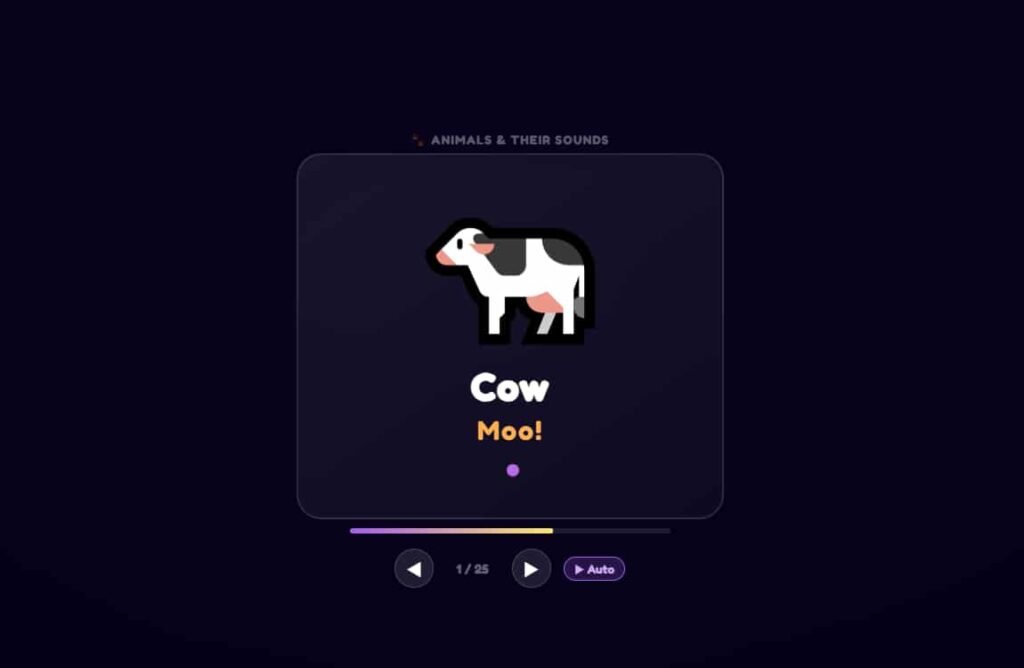
Tiny Fingers Pro is a free online typing game built for young children who are taking their very first steps on a keyboard. Where most typing tools assume you already know where the letters are and just need to type them faster, Tiny Fingers Pro starts one step earlier: it teaches children what the keys are, which finger belongs on each one, and how to begin building the muscle memory that makes typing feel natural. The name itself says everything about its audience. This is a tool made for small hands, short attention spans, and the very beginning of a typing journey. Available directly on TypingMasterPro with no account, no download, and no cost, it is one of the most accessible first-typing tools available online.
Note: Click on Link 1 to learn more about iframes, so you can understand how this typing tool currently works. A live page will open where you can try out this typing tool.
Link 1 – (https://typingmasterpro.com/tiny-fingers-pro/) click here and start typing.
Link 2 – (https://typingmasterpro.com/) Homepage
Tiny Fingers Pro is a browser-based typing learning game designed for children aged approximately 5 to 10. It uses animated characters, bright visuals, and short interactive exercises to introduce children to the keyboard in a way that feels like play rather than a lesson. Each exercise focuses on a small number of keys, gives the child immediate positive feedback on correct presses, and keeps sessions short enough to hold a young child’s attention from start to finish.
The tool sits at the very beginning of the typing learning journey – earlier even than Type Kids Pro on TypingMasterPro. Where Type Kids Pro is suited to children who can already read confidently and are ready to learn structured touch typing, Tiny Fingers Pro is appropriate for children who are still building letter recognition and keyboard familiarity. It bridges the gap between a child’s first encounter with a keyboard and their readiness for more structured typing instruction.
What Tiny Fingers Pro offers:
Tiny Fingers Pro is designed to be simple enough for a young child to use with minimal adult supervision after the first session. Here is how to get started:
After the first two or three sessions, most children aged 6 and above can navigate Tiny Fingers Pro independently while a parent or teacher watches from nearby. The main role of the adult at this stage is to occasionally remind the child not to look at the keyboard and to check that they are using the correct finger for each key.
TypingMasterPro has two dedicated typing tools for children: Tiny Fingers Pro and Type Kids Pro. Understanding the difference helps you choose the right starting point for your child.
| Factor | Tiny Fingers Pro | Type Kids Pro |
| Target age | 5 to 8 years (very young beginners) | 7 to 12 years (ready for structured learning) |
| Reading requirement | Minimal – visual cues guide the child | Confident letter recognition required |
| Exercise length | Very short – a few key presses per exercise | Longer structured lesson segments |
| Pace | Child sets pace entirely | Structured lesson sequence with set goals |
| Focus | Letter and key familiarity, keyboard confidence | Touch typing technique, finger placement |
| WPM measurement | Not the primary focus | Yes, basic speed tracking included |
| Best used when | Child has never used a keyboard before | Child can read and is ready for touch typing |
| Next step after | Move to Type Kids Pro | Move to KeyBlaze or TypeBlitz |
A practical rule of thumb: if your child can read a simple sentence independently and recognise all 26 letters reliably, start with Type Kids Pro. If they are still building letter recognition or have never sat at a keyboard for a structured activity before, start with Tiny Fingers Pro.
One of the most common questions about children and typing is whether it is too early to start. The short answer is that formal touch typing instruction is best introduced when a child is developmentally ready, not at a fixed age. Tiny Fingers Pro’s gentle, low-pressure format means there is very little risk of starting too early – the worst outcome of an early session is that the child is not yet interested, which simply means waiting a few months and trying again.
| Age | Developmental Stage | What Tiny Fingers Pro Offers | Signs They Are Ready |
| 4 to 5 | Early keyboard curiosity | Free exploration of key presses | Enjoys pressing keys, recognises some letters |
| 5 to 6 | Letter recognition building | Simple one-key exercises with animation | Knows most letters by sight |
| 6 to 7 | Full letter recognition | Structured single-key and two-key exercises | Reads simple words, follows instructions |
| 7 to 8 | Reading fluency developing | Complete early lesson sequence | Ready to progress to Type Kids Pro |
Typing is one of the most practically useful skills a child can develop in the modern world. Almost every career, academic path, and area of adult life now involves substantial keyboard use. Children who learn to type correctly early develop an advantage that compounds over time:
The habits formed in a child’s very first typing sessions are the hardest to change later. These three fundamentals should be established from day one, even with Tiny Fingers Pro:
Even at the earliest stage, establish the habit of looking at the screen rather than the keyboard. Young children will naturally look at the keys to find them, and this is understandable at the very beginning. But the sooner you can introduce a cloth or keyboard cover to prevent this, the better. Within a week or two of not being able to see the keys, most children begin to feel the positions naturally.
Tiny Fingers Pro shows which finger to use for each key. Even if a child does not yet understand the full home row system, establishing the habit of using a specific finger for specific keys from the beginning prevents the random finger habits that slow down self-taught typists. When a child uses the wrong finger, gently correct them by naming the finger: ‘That key belongs to your left index finger.’
Young children often want to press multiple keys at once or run their fingers across the keyboard. Tiny Fingers Pro’s exercise structure naturally discourages this by requiring specific key presses, but reinforcing the ‘one key at a time, deliberately’ principle verbally helps too. This deliberate single-keystroke habit is the foundation of accurate high-speed typing.
The challenge with young children and typing practice is not usually getting them to try it once – it is getting them to do it consistently enough to build real skill. Here are the approaches that work best:
Tiny Fingers Pro is the first step of a complete typing learning journey available entirely for free on TypingMasterPro. Here is how a child progresses from their very first key press to professional typing speed:
| Stage | Tool | Approximate Age | Goal |
| 1 – First steps | Tiny Fingers Pro | 5 to 8 years | Key familiarity, letter recognition, keyboard confidence |
| 2 – Touch typing basics | Type Kids Pro | 7 to 12 years | Full alphabet by feel, correct finger placement |
| 3 – Technique and coverage | KeyBlaze | 10 years and above | Full keyboard including numbers and symbols |
| 4 – Speed building | TypeBlitz, TypeWhiz | 12 years and above | Daily WPM benchmark, building to 40+ WPM |
| 5 – Competitive speed | 10 Fast Fingers, Monkey Typing | 13 years and above | Leaderboard practice, 50+ WPM target |
| 6 – Exam preparation | Key Racer, Nitro Typing Lite | Any age when needed | Passage practice, exam-format simulation |
This progression is a guide rather than a rigid sequence. Children develop at different rates and some will move through stages faster or slower than the ages suggest. The key principle is readiness: only move to the next stage when the current one feels automatic, not when a calendar says so.
Yes, with adult support. A 5-year-old who recognises most letters and can sit at a keyboard comfortably can begin Tiny Fingers Pro with a parent or teacher guiding them. Keep sessions to five minutes and focus on making each session positive and pressure-free.
Tiny Fingers Pro is for the very earliest stage of keyboard learning – letter recognition and key familiarity. Type Kids Pro is for children who already recognise all letters and are ready to learn structured touch typing technique. Most children are ready to move from Tiny Fingers Pro to Type Kids Pro around age 7 to 8, once they can read simple words independently.
Yes. Tiny Fingers Pro on TypingMasterPro is 100% free with no account required and no paid features.
Five to ten minutes per day is ideal for children aged 5 to 7. Children aged 7 to 9 can extend to ten to fifteen minutes. Keeping sessions short and ending before the child loses interest is more important than hitting a specific duration. Consistent short daily sessions build muscle memory faster than occasional longer ones.
This is completely normal for very young beginners and is a sign that the exercise is slightly too abstract for their current stage. Sit with them, point to the key on screen, name it, and guide their finger to the correct key on the keyboard. Do not try to do multiple keys in a session if random pressing is happening – focus on one key until it can be found reliably before introducing another.
Progress within a session is shown through the tool’s in-game feedback. For longer-term progress tracking, keep a simple paper log of which exercises your child has completed and how they performed. A sticker chart for daily sessions is a practical and motivating tracking method for young children.
When your child can find any letter on the keyboard without looking, recognises all 26 letters reliably, and enjoys typing rather than finding it stressful, they are ready for Type Kids Pro. This typically happens somewhere between ages 7 and 9 depending on the child and how consistently they have been practicing.
Use the Tiny Fingers Pro tool in the iframe above to begin your child’s very first typing session. Keep it short, keep it positive, and establish the screen-watching habit from the very first key press. Return daily for five to ten minutes and watch as keyboard confidence builds week by week.
When your child is ready for the next step, Type Kids Pro on TypingMasterPro is the natural progression. From there, KeyBlaze builds full keyboard coverage, and TypeBlitz or TypeWhiz provides daily speed benchmarking as their WPM grows. All tools on TypingMasterPro are free and available without any login or download.