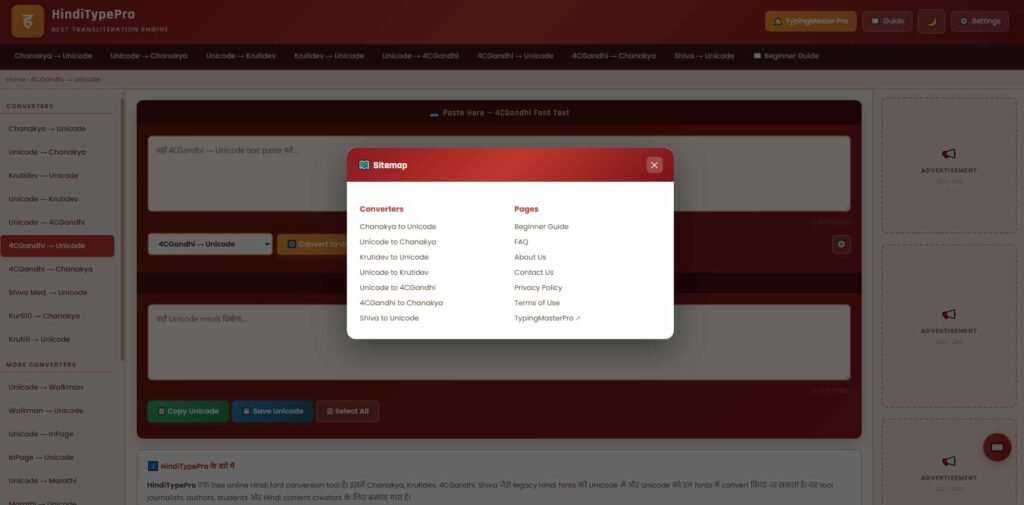
Hindi Type Pro is the second dedicated Hindi typing tool in the Hindi Typing Test section of TypingMasterPro, and it approaches Hindi typing practice from a different angle than the Online Hindi Typing tool on this site. Where Online Hindi Typing focuses on straightforward timed testing and WPM measurement, Hindi Type Pro is built around a more structured practice experience with additional exercise formats designed to accelerate your Hindi typing speed more deliberately. If you are serious about reaching a target Hindi WPM for a government exam or professional requirement, Hindi Type Pro gives you more tools to get there.
Note: Click on Link 1 to learn more about iframes, so you can understand how this typing tool currently works. A live page will open where you can try out this typing tool.
Link 1 – (https://typingmasterpro.com/hindi-type-pro/) click here and start typing.
Link 2 – (https://typingmasterpro.com/) Homepage
Hindi Type Pro is a browser-based Hindi typing practice platform that combines speed testing with structured typing exercises specifically designed for Hindi Devanagari script. It supports both Krutidev and Mangal keyboard layouts and provides a range of practice formats including character-focused drills, word-level exercises, and full passage tests – giving you a more complete Hindi typing training environment than a standalone timed test.
The Pro in Hindi Type Pro reflects a focus on more deliberate, structured practice rather than simple speed measurement. The tool is designed for users who are not just looking to check their current Hindi WPM, but who want a systematic practice environment that addresses the specific challenges of Devanagari typing – including matras, conjunct consonants, and the character combinations that most commonly cause hesitation in exam conditions.
| Aspect | Hindi Type Pro | Online Hindi Typing |
| Primary focus | Structured exercises + speed test | Timed speed test and benchmark |
| Exercise variety | Character drills, matra practice, passages | Timed test and passage modes |
| Best for | Systematic skill building, weak spot targeting | Daily WPM benchmark and timed practice |
| Difficulty progression | Structured from characters to passages | Open – user selects mode |
| Matra focused drills | Yes | Limited |
| When to use | Building Hindi speed from scratch or fixing gaps | Measuring current Hindi WPM daily |
The most effective approach is to use both tools together. Use Hindi Type Pro for structured practice sessions that target your specific weak areas in Hindi typing, and Online Hindi Typing for your daily timed benchmark to track whether that practice is translating into measurable WPM improvement.
Before using the tool, ensure your computer’s Hindi input method is configured correctly:
Understanding why Hindi typing is challenging helps you practice more efficiently and set realistic expectations for your improvement timeline.
Matras are the vowel signs that attach to consonants in Devanagari script. For example, the matra for ‘aa’ (ा) attaches to a consonant to change ‘क’ (ka) to ‘का’ (kaa). Matras are extremely frequent in Hindi text – the majority of Hindi words contain at least one matra. They are also among the most commonly fumbled characters for learners because they require a two-key sequence and because multiple matras share similar-looking key positions on different layouts.
Hindi Type Pro’s matra-focused drills isolate these characters for concentrated practice, which addresses this weakness directly rather than waiting for it to improve incidentally through general passage practice.
Hindi uses halant (्) to join two consonants into a conjunct, such as ‘क्ष’ or ‘त्र’. These conjuncts appear frequently in formal Hindi text and exam passages but are rarely covered in beginner practice materials. Hindi Type Pro includes exercises that introduce common conjunct characters so they do not cause sudden hesitation when they appear in an exam passage.
Hindi Devanagari has more characters than the English alphabet – 11 vowels, 33 consonants, and numerous combined forms including matras and conjuncts. The sheer number of characters that need to be learned and automatised before Hindi typing feels fluent is significantly larger than for English typing. This is why the learning curve for Hindi typing is steeper and the timeline to exam-ready speed is longer.
The Mangal InScript layout places characters based on the logical groupings of the Devanagari script rather than phonetic similarity to English. This means the layout feels non-intuitive at first for most learners, and the initial memory load is higher than for Krutidev. Hindi Type Pro’s structured exercise sequence is designed to build Mangal layout familiarity progressively, reducing the initial learning barrier.
| Exam | Hindi Requirement | Layout | Hindi Type Pro Relevance |
| SSC CHSL (LDC) | 25 WPM, 15 min | Krutidev or Mangal | Timed passage practice, WPM building |
| CPCT (MP) | 20 WPM, 85% accuracy | Mangal Unicode | Accuracy drills, matra practice, timed test |
| High Court (various) | 25 WPM | Mangal typically | Passage practice, sustained WPM |
| UP/Rajasthan state | 20 to 25 WPM | Check notification | Character and word drills, passage test |
| Bank (Hindi medium) | 20 to 25 WPM | As per bank | Daily timed practice, accuracy focus |
For all exams, check the official notification for the exact WPM requirement, accuracy standard, permitted layout, and test duration. Requirements vary between exam cycles and are updated periodically.
| Week | Daily Focus | Tools Used | Target by End of Week |
| Week 1 | Layout memorisation, vowels and common consonants | Hindi Type Pro character drills | 20 characters without looking at layout chart |
| Week 2 | Matra practice – all vowel signs | Hindi Type Pro matra drills | All common matras automatic |
| Week 3 | Full character coverage, short words | Hindi Type Pro word exercises | Full Devanagari character set, 10+ WPM |
| Week 4 | Common words and short sentences | Hindi Type Pro + Online Hindi Typing | 15 to 18 WPM, 85%+ accuracy |
| Week 5 | Short passages, timed practice | Online Hindi Typing timed test | 20 WPM, 85%+ accuracy |
| Week 6 | Full exam-length passages | Both Hindi tools alternating | 25+ WPM, exam-ready consistency |
This plan assumes 20 to 30 minutes of daily practice. Results depend heavily on daily consistency. Missing three or more days per week significantly extends the timeline to reach exam-ready speed.
The two Hindi tools on TypingMasterPro serve complementary purposes:
Most serious exam candidates benefit from spending more time on Hindi Type Pro during the first 4 to 6 weeks of learning, then shifting gradually toward more Online Hindi Typing timed tests as their character-level technique becomes automatic and speed building becomes the primary focus.
Yes. Hindi Type Pro on TypingMasterPro is 100% free with no account required and no paid features.
Hindi Type Pro provides structured exercises including matra drills, character drills, and word exercises alongside a timed test. Online Hindi Typing focuses primarily on timed speed testing. Use Hindi Type Pro for structured skill building and Online Hindi Typing for daily benchmarking.
Hindi Type Pro supports both Krutidev and Mangal (Unicode InScript) layouts. Select the layout that matches your exam requirement or operating system configuration before starting your session.
The tool itself requires no installation. You do need Hindi input configured in your operating system’s language settings. Windows users can add Hindi InScript keyboard through Settings – Time and Language – Language – Hindi – Language options.
With daily practice of 20 to 30 minutes using Hindi Type Pro’s structured exercises, most beginners reach 20 to 25 WPM in 8 to 12 weeks. Consistent daily practice is the most important factor – irregular practice significantly extends the timeline.
Yes. The matra drills and character-focused exercises in Hindi Type Pro are specifically useful for building the accuracy on individual characters that determines your overall accuracy score. Addressing your most error-prone characters in isolation with Hindi Type Pro’s drills is the most direct path to consistently hitting 85%+ accuracy in timed tests.
For most central government exams in 2026, Mangal (Unicode InScript) is the correct choice. If your specific exam or state government requires Krutidev, use that. When in doubt, check your official exam notification. For new learners with no exam-specific requirement yet, Mangal is the recommended starting layout.
Use the Hindi Type Pro tool in the iframe above to begin your first practice session. If you are new to Hindi typing, start with character drills and matra exercises rather than jumping straight to a timed test. Building the character-level foundation first will accelerate your progress through every subsequent phase of practice.
Combine Hindi Type Pro with the Online Hindi Typing tool in the Hindi Typing Test section for a complete Hindi practice toolkit. Use Hindi Type Pro for structured skill building three to four days per week, and Online Hindi Typing for daily timed benchmarks. Both tools are free, available without login, and work in any modern browser. For English typing practice alongside your Hindi preparation, the full range of 16 English typing tools on TypingMasterPro is available at no cost.