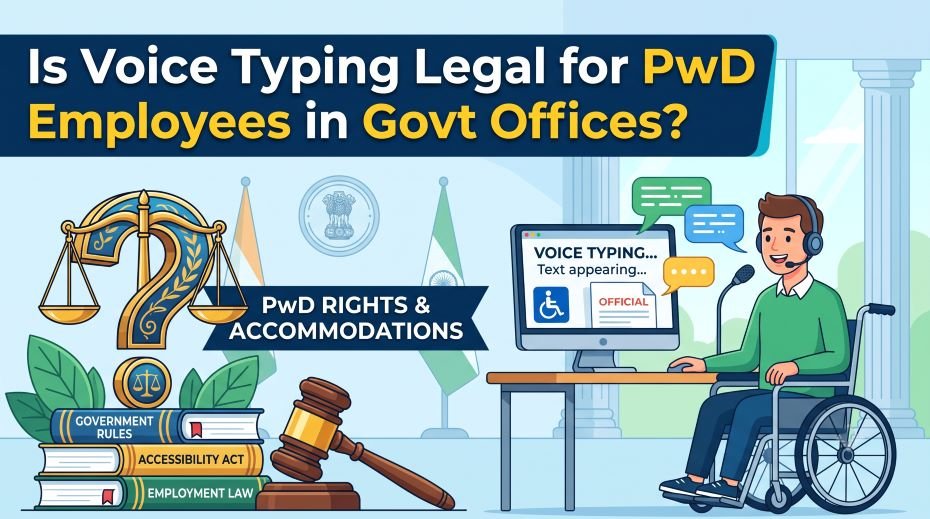
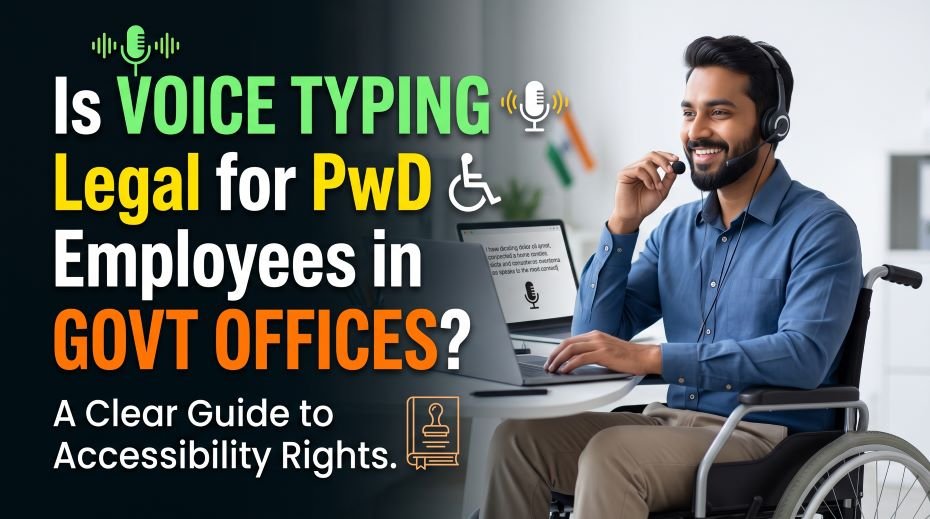
Is Voice Typing Legal for PwD Employees in Govt Offices? Is it legal for a PwD employee to use voice typing or speech-to-text software for official documents in a government office? Yes – here is the real legal basis and how to request it.
For a government employee with a disability that makes typing difficult or impossible, voice typing feels like an obvious solution – but is it actually allowed for official work? The short answer is yes, and it’s more than just allowed: it’s a recognised legal entitlement under Indian disability law, backed by a real, recent government circular. This guide explains exactly why it’s legal, what the official policy actually says, and the one important catch that has nothing to do with disability rights and everything to do with data security.
The Short Answer: It’s a Legal Right, Not a Favour
Speech-to-text and voice recognition software are explicitly recognised as a form of reasonable accommodation under the Rights of Persons with Disabilities Act, 2016. This isn’t an informal courtesy left to a manager’s discretion – it’s a defined legal category of support that Central Government establishments are specifically instructed to consider and provide.
The Legal Basis, in Plain Terms
- The RPwD Act defines reasonable accommodation as necessary and appropriate modifications to ensure persons with disabilities can exercise their rights equally with others, without imposing a disproportionate burden on the employer.
- In Vikash Kumar v. Union Public Service Commission (2021), the Supreme Court held that denying reasonable accommodation amounts to disability-based discrimination, describing it as a “gateway right” that enables access to all other rights – a strong, binding precedent, not just a policy suggestion.
- A more recent Office Memorandum dated 22 September 2025, issued by the Department of Empowerment of Persons with Disabilities, explicitly lists text-to-speech and speech-to-text software among the illustrative technology interventions that Central Government establishments should explore as reasonable accommodation, on a case-by-case basis.
- This same circular makes clear there is no “one size fits all” approach – the specific accommodation must be assessed for the individual employee’s actual needs, in consultation with them.
What Counts as Approved Assistive Technology
Voice typing sits alongside a broader, officially recognised category of workplace assistive technology, which includes:
- Screen readers and magnification software (such as JAWS or NVDA) for employees with visual impairments.
- Text-to-speech and speech-to-text software for employees with reading difficulties, dyslexia, or conditions affecting typing ability.
- Specialised input devices like head-mice, for employees with locomotor disabilities affecting hand use.
- High-quality hearing aids and compatible communication devices for hearing-impaired employees.
- The guiding legal test is whether providing the accommodation would impose a genuinely disproportionate or undue burden on the department – not whether it’s convenient or the default option.
The Real Catch: Data Security, Not Disability Rights
Here’s the important nuance: while your legal right to use voice typing as an accommodation is well-established, the specific tool you use still has to meet the same data security standards that apply to every other software used on official systems. Many popular voice-to-text tools process audio through cloud servers, which raises the same confidentiality concerns that led departments to restrict public AI and translation tools on official devices.
- A cloud-based voice typing tool that sends your spoken words to an external server for processing carries the same data confidentiality risk as any other public AI tool when used for official, sensitive content.
- Offline or locally-processed speech recognition software, which converts speech to text directly on your device without sending data externally, avoids this specific risk and is generally the safer category to request.
- This is not a reason to be denied the accommodation – it’s a reason for your department’s IT and accessibility teams to work together to identify or approve a specific tool that satisfies both your accessibility need and the department’s security requirements.
- If your department already uses or has evaluated a government-appropriate speech-to-text solution, request that one specifically rather than defaulting to whichever consumer app is most familiar.
How to Request Voice Typing as a Workplace Accommodation
- Submit a formal, written request to your reporting officer or HR/establishment section, referencing your specific difficulty with typing and your disability certificate.
- Be specific about what you’re requesting – name the type of software (speech-to-text/voice recognition) rather than leaving it vague, and mention the data security consideration yourself to show you’ve thought it through.
- Reference the RPwD Act’s reasonable accommodation provision and, if useful, the September 2025 DEPwD circular explicitly listing this category of software as an illustrative accommodation.
- Be prepared for a case-by-case assessment – this is standard and expected under the law, not a sign your request is being questioned unfairly.
- If your role requires handling sensitive or classified content, proactively ask what offline or department-approved options exist, rather than waiting for this to become a point of delay later.
also read: Can Govt Employees Use AI for Official Work? (AI Typing)
What If a Department Refuses or Delays
- A department can only lawfully refuse if it can demonstrate the accommodation would impose a genuinely disproportionate or undue burden – a general reluctance or administrative inconvenience does not meet this legal standard.
- If your request is delayed without a clear reason, follow up in writing and request a specific timeline or explanation.
- You can escalate through your department’s grievance mechanism, the office of the Chief Commissioner for Persons with Disabilities, or, if necessary, legal channels – courts have consistently sided with employees on reasonable accommodation claims when the burden argument wasn’t genuinely substantiated.
- Keep a written record of your request and any response (or lack of one), since this documentation strengthens any escalation.
Do’s and Don’ts
| Situation | Do | Don’t |
| Requesting the accommodation | Submit a specific, written request referencing your disability certificate | Don’t assume a verbal request alone will be tracked or actioned |
| Choosing a tool | Ask about offline or department-approved speech-to-text options | Don’t default to a random cloud-based consumer app for official work |
| Sensitive content | Flag the data security angle yourself when requesting | Don’t assume any voice tool is automatically safe for confidential material |
| If refused | Ask for the specific undue-burden justification in writing | Don’t accept an informal, unexplained refusal as final |
| Documentation | Keep records of every request and response | Don’t rely on memory if you need to escalate later |
Quick Fact Table
The technology itself is grounded in decades of speech recognition research and is now mature enough for reliable daily office use, which is part of why it’s specifically named in current government accommodation guidance.
| Fact | Detail |
| Legal basis | RPwD Act, 2016 – reasonable accommodation provision |
| Key precedent | Vikash Kumar v. UPSC (2021) – reasonable accommodation is a “gateway right” |
| Specific government guidance | DEPwD Office Memorandum, 22 September 2025, lists speech-to-text software explicitly |
| Assessment approach | Case-by-case, no “one size fits all” policy |
| Main practical caveat | Tool must meet department data security standards – offline/approved tools preferred for sensitive work |
Table 1: Legal Basis, Issues & Where to Complain
Voice typing isn’t just legal for PwD employees in Indian government offices – it’s actively protected as a reasonable accommodation under the Rights of Persons with Disabilities (RPwD) Act, 2016. For employees with conditions affecting hand use, vision, or fine motor control, speech-to-text tools can be the difference between struggling through daily tasks and working efficiently. Below is a breakdown of the legal basis, common implementation issues, and where to raise concerns, along with real examples.
| Issue / Question | Detail / Problem Faced | Guidance / Tip | Where to Complain |
|---|---|---|---|
| Is voice typing legally permitted for PwD government employees? | Some employees are unsure if using assistive software is “allowed” or seen as against standard office practice | Yes – the RPwD Act, 2016 mandates reasonable accommodation, including assistive technology, for employees with disabilities in government establishments | Not applicable (legally established right) |
| Department doesn’t provide/install voice typing software | Employee left struggling with standard typing despite a genuine need | Submit a written request for reasonable accommodation citing the specific need – employers are legally obligated to provide this at no cost to the employee | Departmental Grievance Redressal Officer (mandatory under Section 23, RPwD Act) |
| No Liaison Officer or clear point of contact for assistive tech requests | Confusion about who to approach for setting up voice typing tools | Request the department appoint or direct you to the designated Liaison Officer for disability-related accommodations | Departmental Head / Grievance Redressal Officer |
| Voice typing software not compatible with government’s internal systems/software | Employee unable to actually use the tool for real work tasks | Raise this specifically as an accessibility gap – departments are expected to ensure digital tools work with assistive technology | Departmental IT Support / Grievance Redressal Officer |
| Colleagues or supervisors questioning the use of voice typing as “special treatment” | Uncomfortable work environment despite a legitimate accommodation | Voice typing under RPwD provisions is a legal right, not a favor – document any discriminatory remarks or treatment | Grievance Redressal Officer, escalate to Chief Commissioner for Persons with Disabilities (CCPD) if unresolved |
| Request for voice typing software delayed indefinitely | Ongoing hardship while waiting for accommodation to be implemented | By law, grievances must be inquired into within 2 weeks of registration | District-Level Committee on Disability (if GRO doesn’t act within timeline) |
| Confusion about which employees qualify for this accommodation | Uncertainty about eligibility | Any employee with a documented disability affecting typing ability (e.g., motor, visual) can request this as reasonable accommodation – a benchmark disability certificate typically supports the request | Departmental HR / Grievance Redressal Officer |
| Privacy concerns about voice data captured by dictation software | Uncertainty about where spoken data is stored/processed | Use only department-approved/on-premise voice typing tools for official work, consistent with government data security guidelines | Departmental IT/Cyber Security Policy |
Table 2: Real-Life Examples (Based on Reported Patterns)
| Employee Situation | What Happened | Outcome / Lesson |
|---|---|---|
| Employee with a hand-mobility condition struggled with daily typing tasks | Was unaware voice typing could be formally requested as an accommodation | Submitted a written request citing RPwD provisions; department arranged compatible software |
| PwD employee’s request for voice typing software went unanswered for weeks | Continued struggling with manual typing during the delay | Escalated to the District-Level Committee on Disability after the 2-week statutory response window passed |
| Employee found the department’s approved voice typing tool didn’t work with an internal government portal | Could not complete key job tasks despite having the accommodation | Raised the compatibility issue with IT support, prompting a review of accessible software options |
| Employee faced subtle comments from colleagues about using voice typing | Felt uncomfortable despite the accommodation being legally justified | Documented the incidents and raised them with the Grievance Redressal Officer as a discrimination concern |
| New PwD employee didn’t know who to approach about setting up assistive technology | Delayed getting the accommodation in place due to confusion | Learned the department was required to have a Liaison Officer as the designated point of contact |
Note: This is general informational content, not legal advice. Specific implementation processes can vary by department – always start with a formal written request and refer to your department’s HR or the Department of Empowerment of Persons with Disabilities (DEPwD) for exact procedures.
Frequently Asked Questions
Can my department deny voice typing just because it’s unusual or inconvenient?
No. The legal standard requires a genuinely disproportionate or undue burden, not mere inconvenience or unfamiliarity. Courts have consistently held that administrative reluctance alone doesn’t meet this bar.
Do I need a specific disability percentage to request this accommodation?
The Supreme Court has clarified that the 40% benchmark disability threshold applies to specific entitlements like reservations, not to general reasonable accommodation rights, which extend more broadly to persons with disabilities under the Act.
Is it my responsibility to find a safe, approved voice typing tool myself?
It’s a shared responsibility – you can and should ask for what you need, but your department’s IT and accessibility teams are expected to help identify or approve a specific tool that’s both accessible and secure, rather than leaving you to solve the security question alone.
Voice typing for a PwD government employee isn’t a workaround or a special favour – it’s a legally recognised accommodation with real precedent and, as of the 2025 circular, explicit departmental guidance behind it. The one genuine complication is making sure the specific tool used respects the same data security standards every government employee is expected to follow, and that’s a solvable coordination problem, not a reason to be denied the accommodation itself. Know your right, ask specifically, and involve your IT team early to get a solution that works on both fronts.